Seasonal Pricing
Rates that follow the season, so a June quote and a March quote are both right.
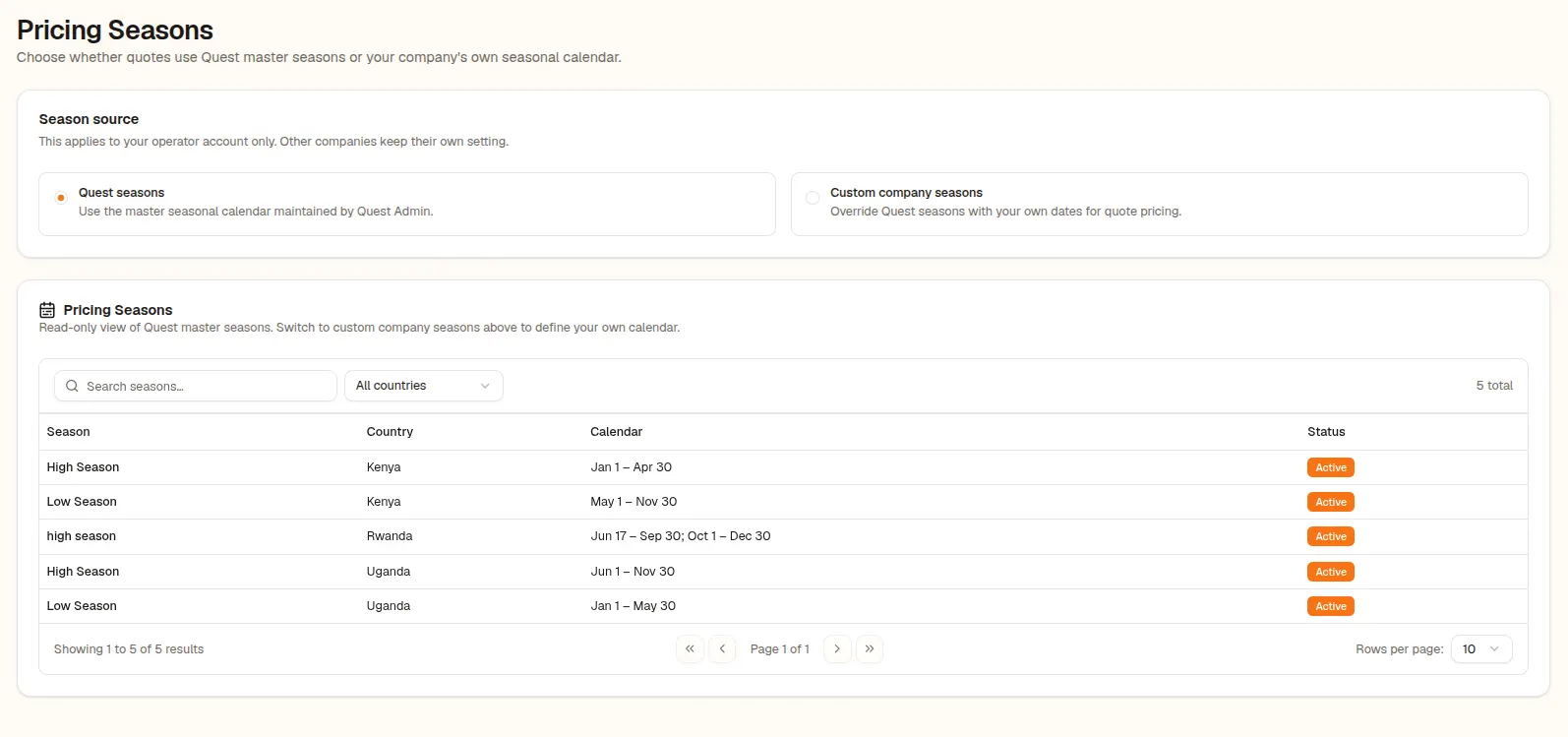
Define pricing seasons and apply them to hotel room rates, activity prices and park entry fees, with a per-quote season override.
What it does
Safari rates are not flat. High season, low season and shoulder periods change what a room, an activity or a park entry costs. Quest lets you define pricing seasons and attach seasonal rates to hotel rooms, activity prices and destination entry fees.
When you build a quote, the travel dates decide which season applies. If you need to price against a different season, a per-quote season override lets you do it deliberately, with a hint showing where each rate came from.
Why operators use it
- 01
Dates decide the rate
Travel dates pick the right season for rooms, activities and fees automatically.
- 02
Override when you mean to
Set a season override on a single quote without touching your standing rates.
- 03
Clear fallbacks
When a seasonal rate is missing, Quest tells you it fell back, instead of failing silently.
How it works
Define seasons
Set the periods that make up your pricing seasons.
Attach seasonal rates
Add seasonal values to rooms, activities and entry fees.
Quote by date
Build the quote and the right season applies from the dates.
FAQ
Common questions about seasonal pricing.
Quest uses a fallback rate and shows a banner so you know the season-specific price was not available.