Settings ManagementDocuments
Configure document and image layout
Control how proposals are laid out. Cover pages, image sizes and section order.
Quest Team5 min readUpdated 23 Jul 2026
Document layout covers which pages appear and how images are organised on PDFs (Organize Pages, cover/back, etc.).
- 1
Organize pages
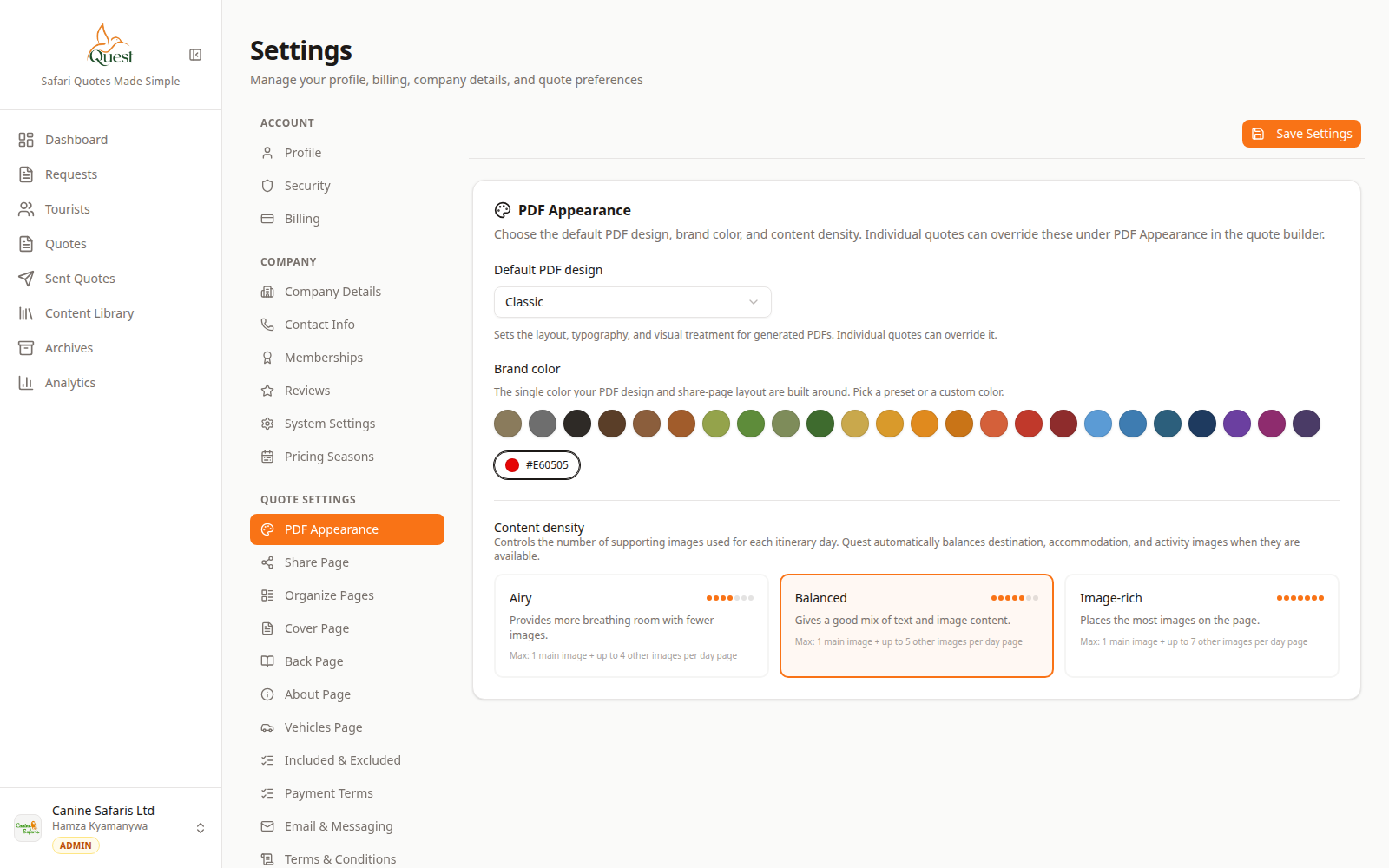
Quote settings
Document structure settings.
What the numbers mean
- 1
Quote settings nav
PDF Appearance, Organize Pages, Cover, Back, and related items.
Settings → Quote → Organize Pages (and related Cover/Back/About pages) to control PDF structure.
- 1
- 2
Preview the result
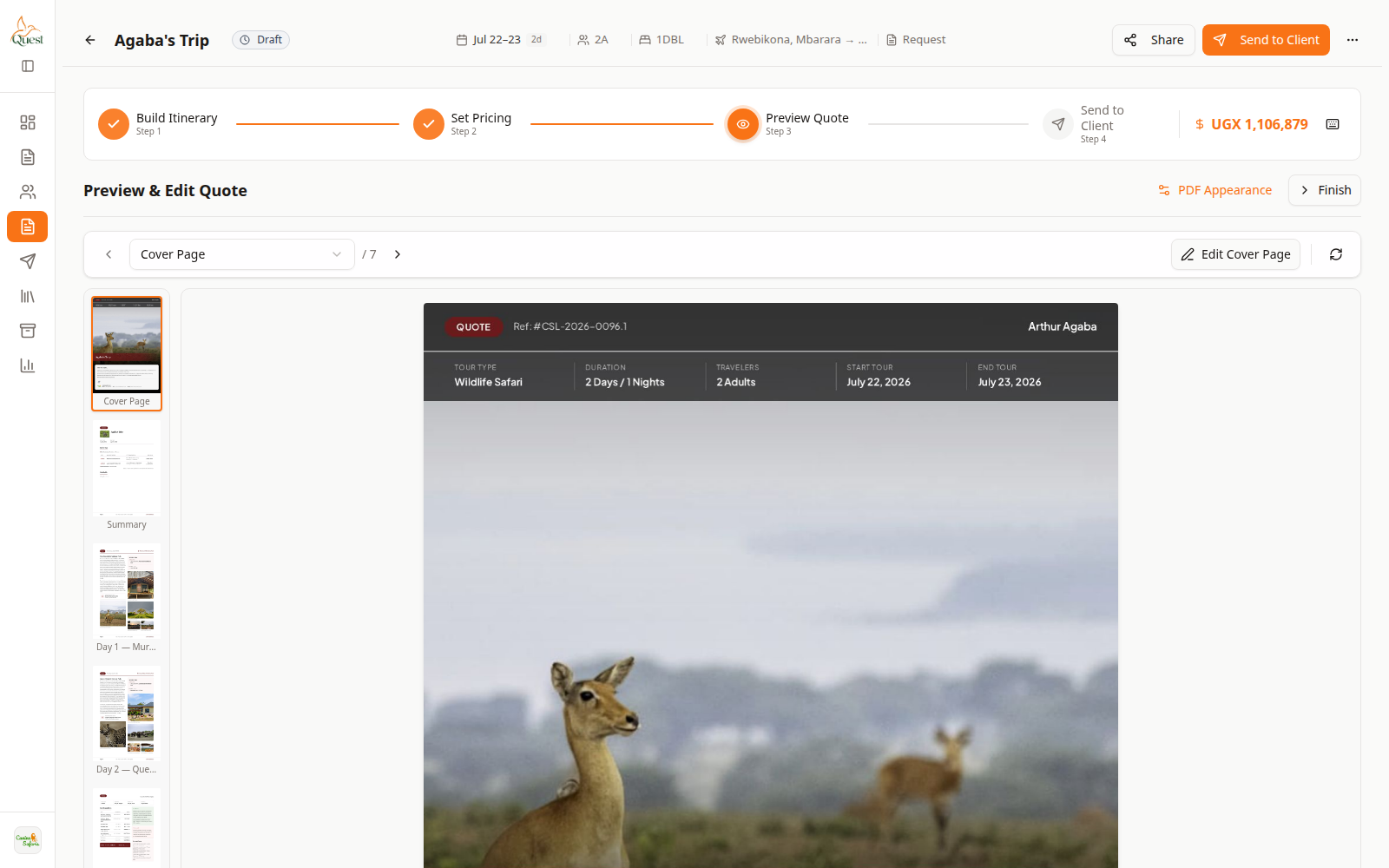
Preview
Verify page order and images.
What the numbers mean
- 1
PDF preview
Check page order and image layout.
Open Preview Quote on a sample trip after saving layout changes.
- 1
Was this helpful?