Edit your company profile and details
Keep the operator name, address and contact info that appears on proposals current.
Company profile is the business identity on proposals. Name, contacts, logo. This is under Settings → Company, not only your personal login profile.
- 1
Open Company settings
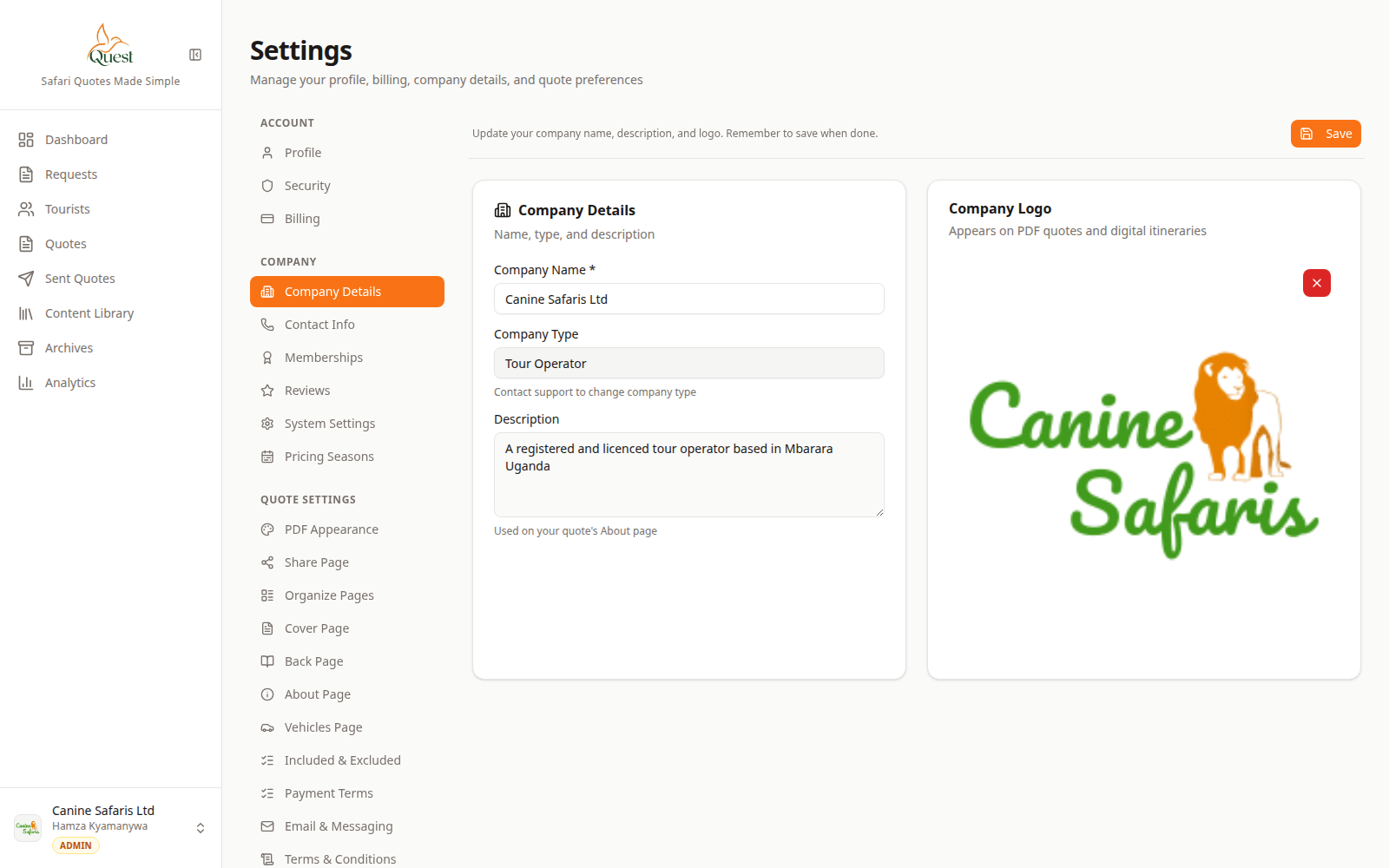
Company
Company identity fields.
What the numbers mean
- 1
Profile fields
Company name, logo, and contact fields used on PDFs and share pages.
- 2
Company tabs
Details, Contact, and other company sections.
1. Account menu → Settings.
2. Under Company, open Details (and Contact as needed).
3. Edit name, logo, address, phone, email.
4. Save.
- 1
- 2
Optional check on a quote preview
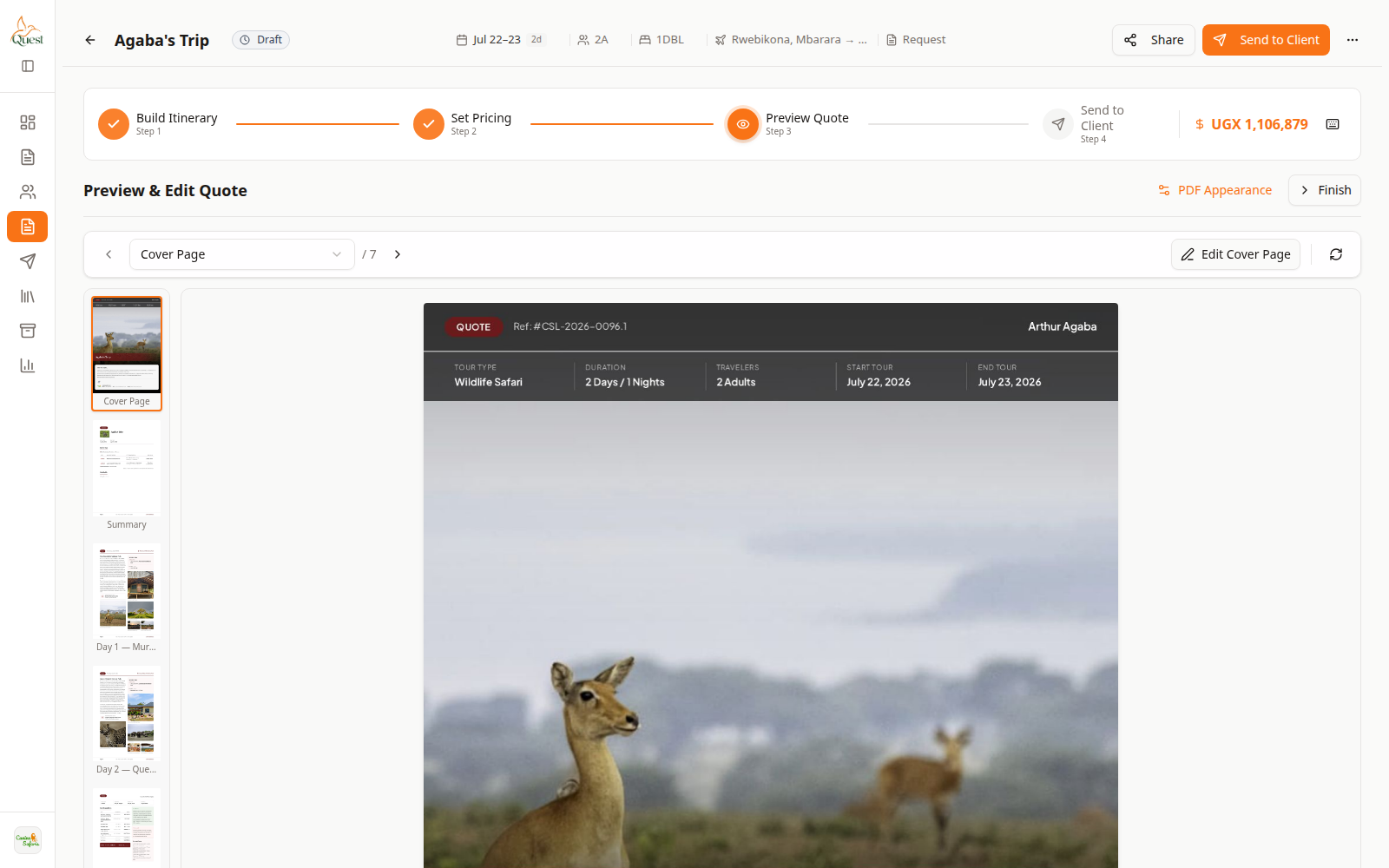
Preview
Client-facing check.
What the numbers mean
- 1
PDF preview
Confirm company branding appears as expected.
- 2
Preview step
Wizard step 3. Does not send to the client.
Open any existing quote → Preview Quote to see name/logo on the client document.
You do not need a new quote only to save company fields.
- 1
Was this helpful?