General InformationRequirements
Supported browsers and devices
Where Quest runs best and what you need to get going.
Quest Team2 min readUpdated 23 Jul 2026
Quest runs in a modern web browser on laptop/desktop. Use the latest Chrome, Edge, Firefox, or Safari. Keep the window wide enough for the quote builder.
- 1
Use a current browser
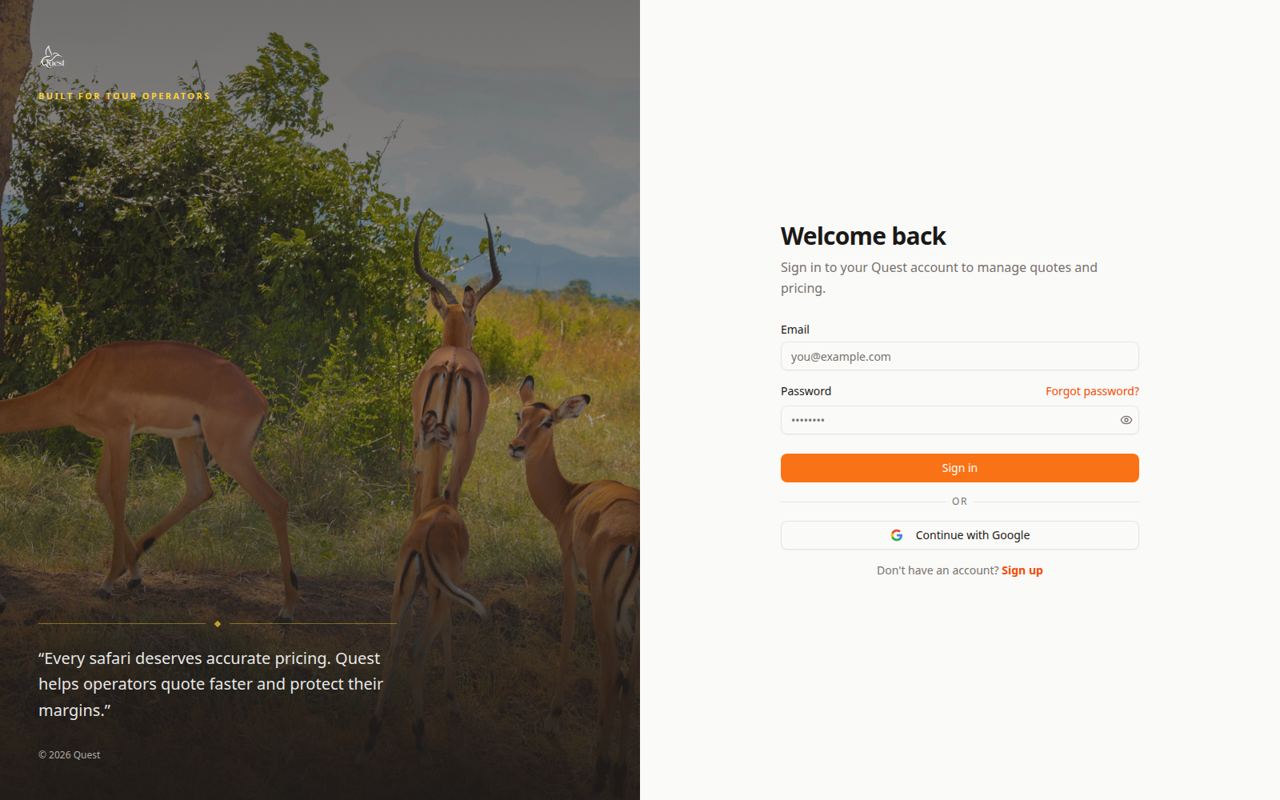
Sign in
Official login page.
What the numbers mean
- 1
Sign-in form
Email and password on the real Quest site.
Update your browser. Avoid unsupported or very old versions.
Sign in only on the official https Quest URL.
- 1
- 2
If the UI looks broken
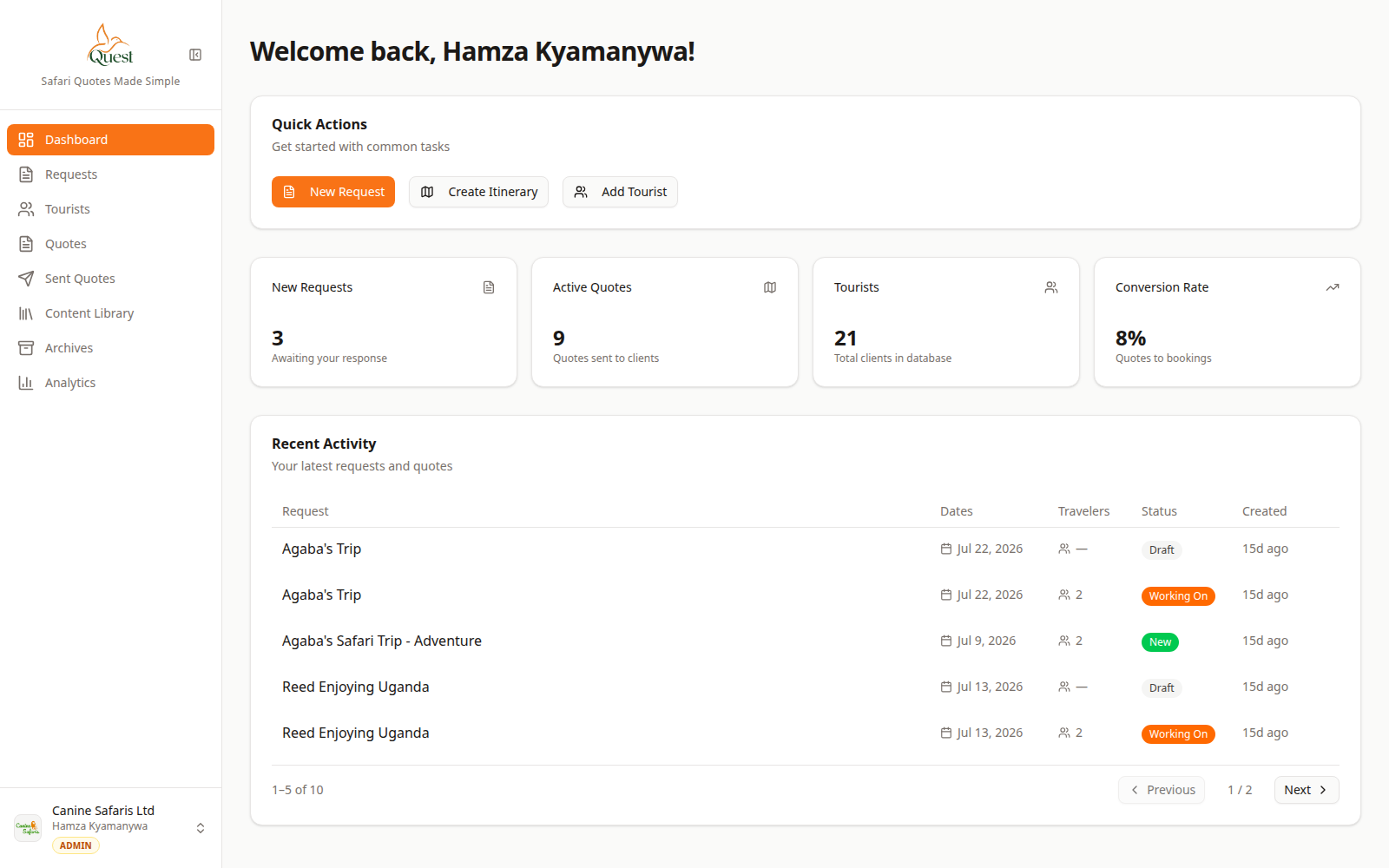
Dashboard
Healthy session looks like this home screen.
What the numbers mean
- 1
Main app
Dashboard and sidebar should render fully.
Hard-refresh, disable aggressive blockers for the Quest domain, and try a wider window or another browser.
- 1
Was this helpful?